
Name-Based Case Searches
The free Colorado Judicial Branch Docket Search filtered to Logan takes an individual name. It also accepts a business name, or attorney information. It returns scheduled events in Logan County District Court and Logan County Court. Keep in mind it is a calendar. It will not show every event ever entered in a case. So it is not a statewide party-name viewer. A date is required in the query. At least one filter beyond the date is required too. The Logan County link already sets the county filter for you.
Start broad, then narrow. That is the smart way to run a name-based case lookup. Common names can return more than one case. Before trusting any row, match the case number and the court. Also match the hearing label and other nonprivate facts against the caption. Narrow further by court type, courthouse, division, or case class if the list runs long.
- Open the Logan-filtered docket search and select a date range or one date.
- Choose Individual or Business, then enter the available name fields.
- Keep Logan selected and narrow by District Court, County Court, courthouse, class, or division when useful.
- Compare the returned case number, hearing type, date, location, and courtroom.
- Request the Register of Action if the question concerns past filings or outcomes.
| Field Label | Type | Required | Format or Use |
|---|---|---|---|
| Date Range or Specify A Date | Dropdown or date | Yes | The Logan link defaults to one week. |
| Individual or Business | Radio choice | No | Selects the party-search mode. |
| First Name and Last Name | Text | No | Used for an individual party. |
| Business Name | Text | No | Used for an organization in the case caption. |
| Attorney Name or Bar Number | Text or radio choice | No | Provides a public professional search path. |
| County, Court Type, Courthouse, Division | Dropdown or text | No | Narrows a Logan County result set. |
Logan County Docket Filter Map
The geography filters fix a common Logan County search headache. Set the Judicial District filter to the 13th Judicial District. Leave the county set to Logan. Point the courthouse control at Logan County Combined Courts. Court Type then splits District Court work from County Court work. District Court covers felonies and larger civil cases. County Court covers misdemeanors, traffic, small claims, and limited civil matters. Division is one more option when you know it.
Sterling Municipal Court sits outside these filters. A Sterling ordinance or municipal traffic citation stays with the city court. So a missing result can mean the wrong forum, not the absence of a case. Read the citation or court paper before choosing a search system.
Case Number Searches
A case number is the most precise path through the Logan County docket search. Colorado numbers blend a four-digit filing year, class letters, and a numeric sequence. The official request form gives a traffic example: 2019T999999. In the docket search, those pieces become separate controls. They are labeled 4-Digit Year, Case Class, and Case Sequence. Sequence length can vary. So do not assume every one runs the same number of digits.
The class letters hint at the likely court. CR marks a felony criminal case, M a misdemeanor, and T a traffic matter. CV or C can mark civil work. S is small claims, DR domestic relations, PR probate, and JV or JD juvenile work. Not every statewide class appears in each search context. So confirm against the offered live list.
Logan County Docket Date Limits
The free Logan County search is built around hearing dates. A concluded case with no event inside the chosen window can vanish from view. The clerk still keeps its Register of Action. Widening or shifting the date may surface another setting. But it will not turn the calendar into a historical register.
No result is not proof of no case. Check the county, class, date window, municipal forum, federal forum, and access limits before drawing a conclusion.
For an older Logan County matter, take the party and case details and submit a record request. The clerk can locate an ROA or a named filing. The public calendar simply has no current row for it.
Case Search Results Explained
A Logan County docket result describes one scheduled court event. The calendar shows the date, start time, scheduled minutes, party or case display, case number, hearing type, Logan County location, appearance type, and courtroom. Pagination, export, and a printable version are also available. Hearing labels you may see include advisement, arraignment, status conference, disposition hearing, sentencing hearing, revocation of probation, and return on a revocation summons.
| Date and Time | The current published start of the scheduled event. |
|---|---|
| Duration | Minutes reserved on the calendar, not a promise of the actual finish time. |
| Case Number | The year, class letters, and sequence that identify the case. |
| Hearing Type | The stage or purpose of that setting, such as arraignment or sentencing. |
| Location and Courtroom | The courthouse and room assigned to the setting when shown. |
| Appearance Type | A displayed mode when supplied; a blank does not grant remote attendance. |
The row does not reliably carry charge statutes, a plea, bond terms, the final disposition, every minute order, a balance, or downloadable documents. Those details live in the ROA or the filed papers. The docket entry is a pointer, not the file.
Logan County ROA Request Path
A Logan County calendar row can be too narrow. The official next step is the Judicial Branch Record/Document Request Form. Select Logan as the location. Give the case number if you have it, identify the parties, and check Register of Action/ROA or the exact document category you need. The clerk follows up by email or phone. The published ordinary service statement is within three business days absent extenuating circumstances. That is a service goal, not a promise for an off-site or redaction-heavy file. The form itself shows every request option the clerk accepts.
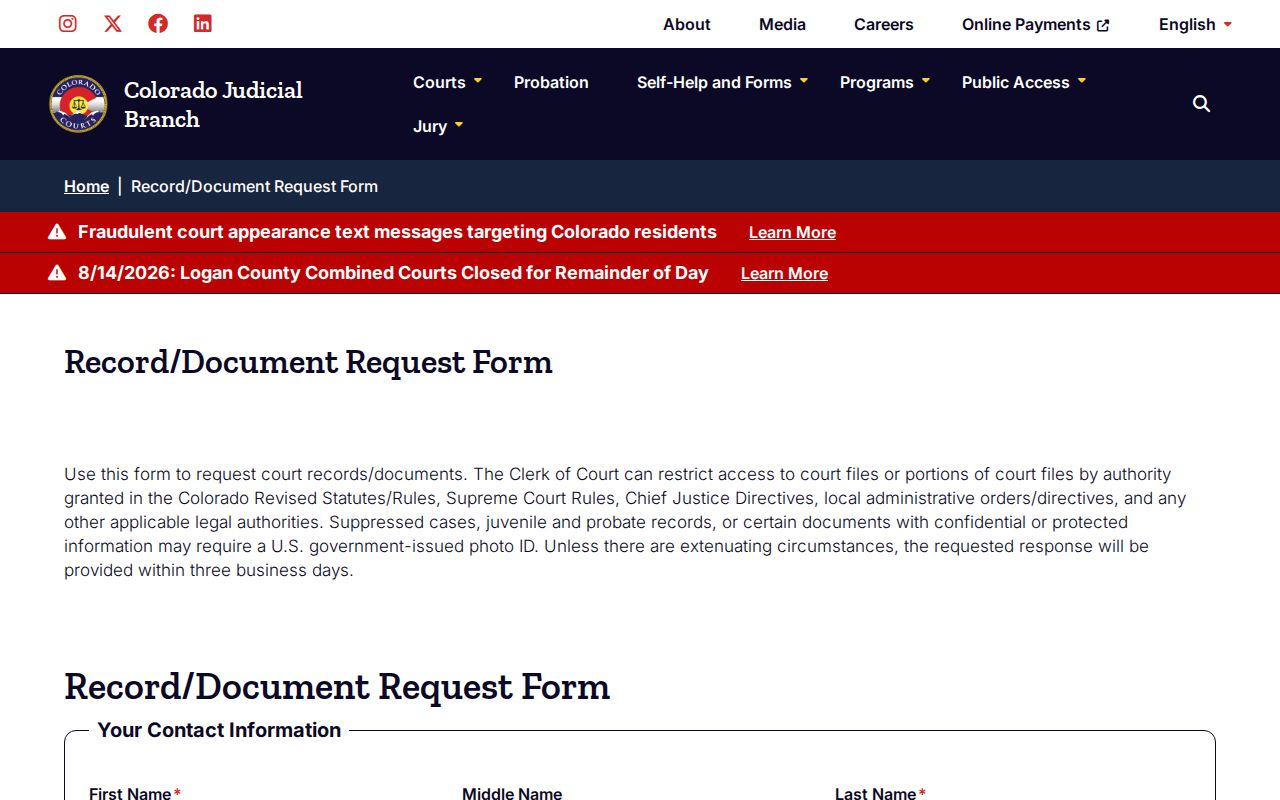
This is the point where a hearing lookup becomes a records request. A requester may ask for an ROA, complaint, disposition order, judgment, or another listed filing. The clerk handles it from there.
Two Ways to Search: County and State
Logan County runs no separate county case portal with a deeper local docket. The free search is a statewide Judicial Branch calendar with Logan selected. A second statewide channel is the record form. It routes an official ROA or document request straight to the Logan County Combined Courts clerk. Approved commercial vendors may sell limited fee-based ROA access. Their results are not the official court record, though, and may omit cases or fields.
| Channel | What It Provides | Best Use |
|---|---|---|
| Judicial Branch Docket Search | Free scheduled hearing rows | Finding when and where a Logan County setting occurs |
| Record/Document Request | ROA and selected filed documents from the clerk | Historical events, orders, judgments, and certified copies |
| Approved vendor access | Limited fee-based real-time ROA data | A convenience search that still needs clerk verification |
Need a Logan County clerk rather than a screen? Call 970-522-6565, option 7. Records requests also go by email to LoganRecordsRequest@judicial.state.co.us, or in person at Room 205, 110 N. Riverview Road in Sterling. The counter keeps weekday hours of 8:00 a.m. to noon, reopening from 1:00 to 4:00 p.m.
Logan County EagleWeb Search Error
Be careful not to confuse two different offices. The elected Logan County Clerk and Recorder handles recorded instruments such as real-estate records, and its EagleWeb service indexes those filings. Court dockets are a different job. Felony, misdemeanor, civil, probate, domestic, and traffic cases live with the state trial courts, not the recorder. The county online-document instructions cover that recording system alone.
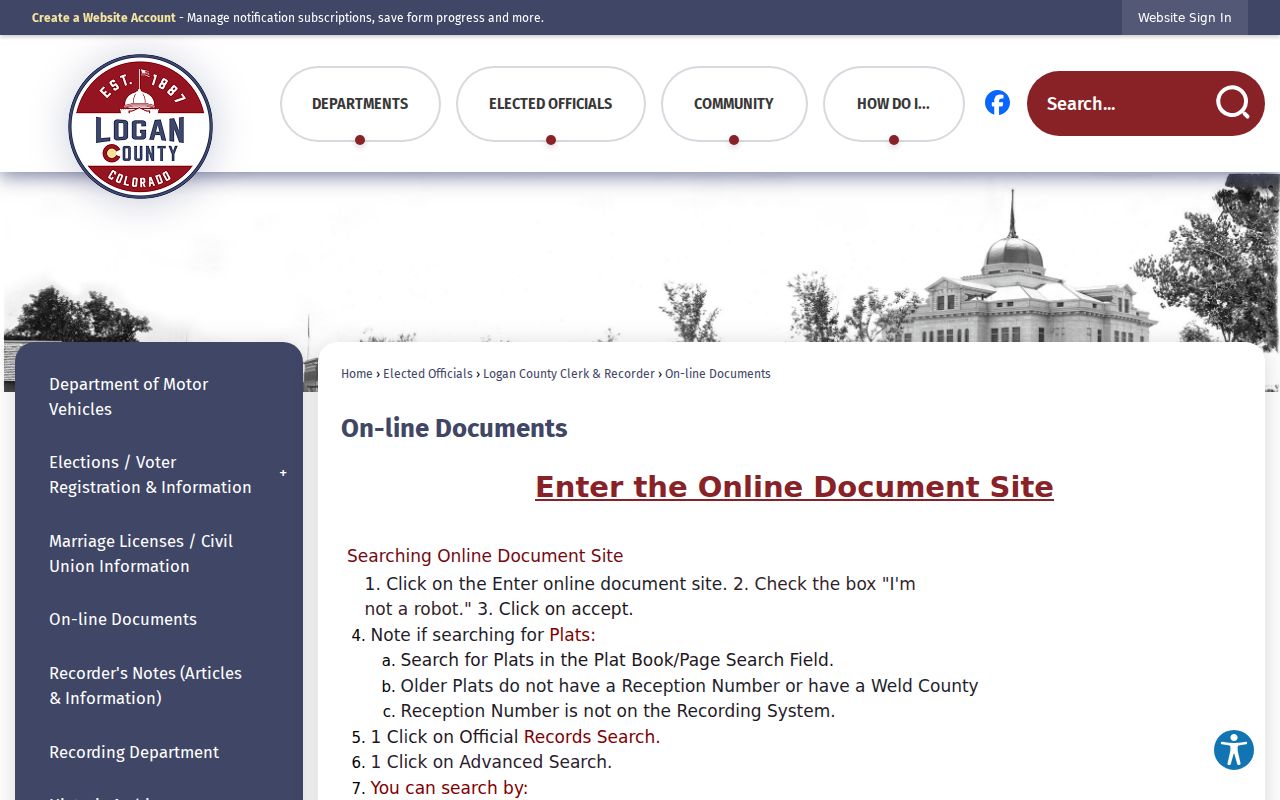
That county page describes a recorded-document search, not a Logan County case search. The two can overlap in one narrow way. A transcript of judgment may eventually be recorded there. Still, the judgment itself and the ROA come only from Combined Courts.
Logan County Federal Docket Split
Some Logan County cases never touch the Colorado Judicial Branch search at all. Federal matters belong to the U.S. District Court for the District of Colorado, which uses its own federal case numbers and CM/ECF docket entries. Public access runs through PACER. Registration is required, and fees follow PACER's current schedule.
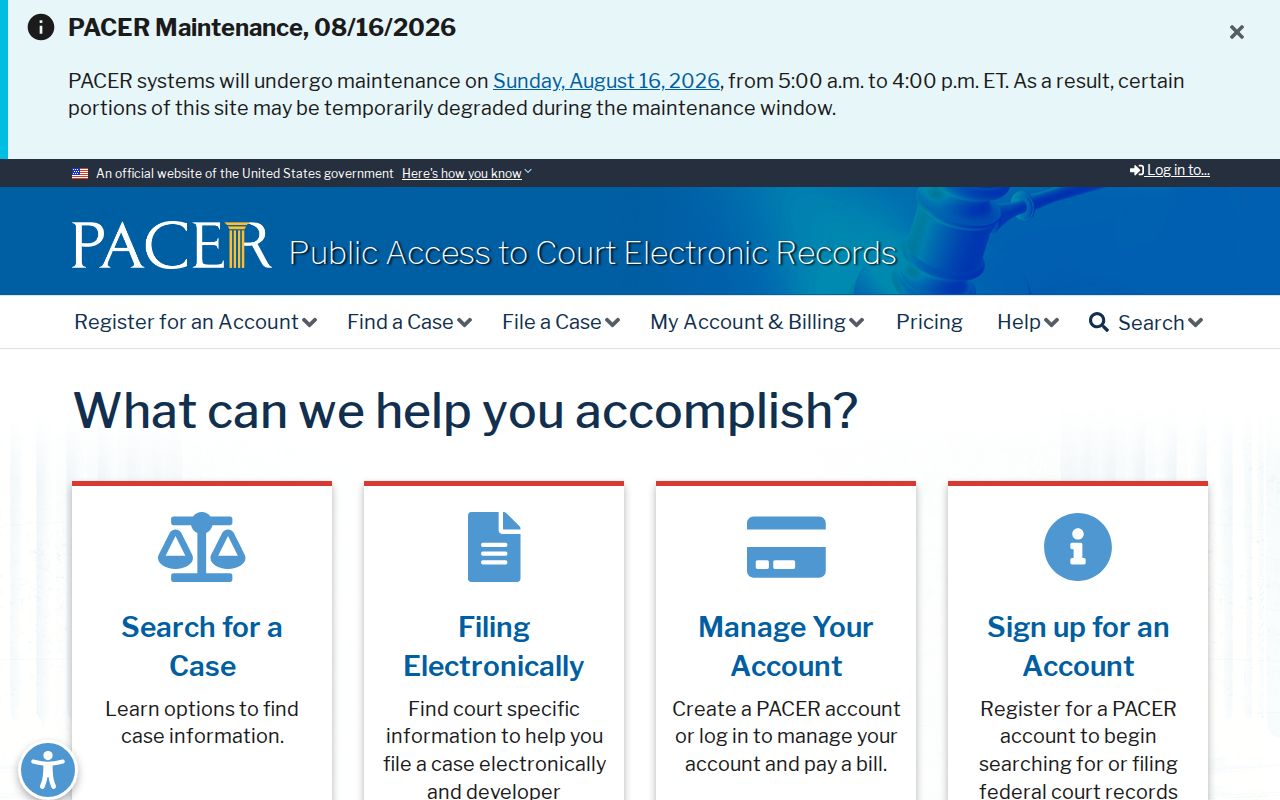
PACER is the authoritative federal search path. Confusingly, it is separate from Logan County District Court despite the similar name. The District of Colorado's CM/ECF information page explains the electronic docket system that handles federal filings.
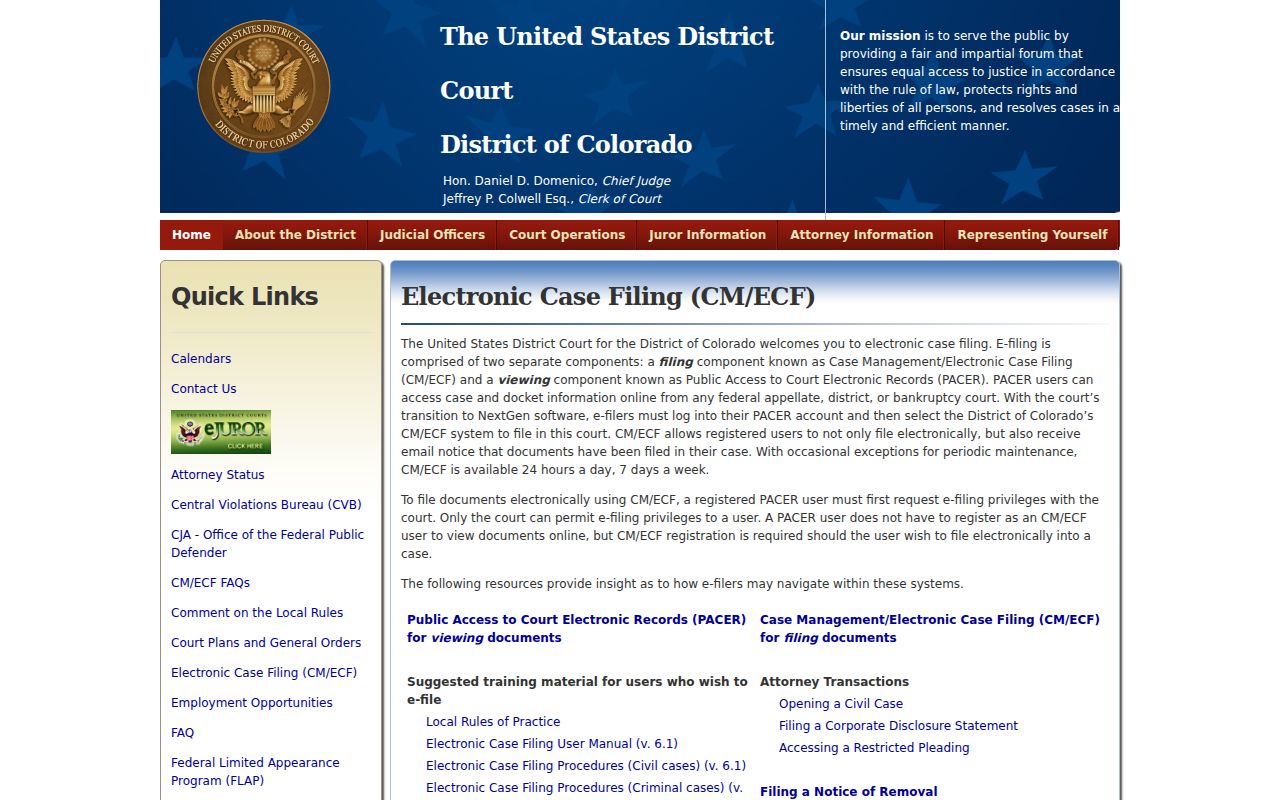
That system tracks numbered federal entries and filed PDFs. It will not search a Colorado state CR, M, T, or CV case.
Which Cases Stay Restricted
Colorado access rules keep some Logan County case information off limits. Juvenile, adoption, sealed, suppressed, and protected family content stays out of view. It does not show up like an ordinary calendar row. Probate material is different. Such documents may call for a U.S.-government-issued photo ID plus proof of entitlement. Even in a public case, personal identifiers can be redacted. The clerk applies statutes, court rules, Chief Justice Directives, and case-specific orders. A hidden row proves nothing either way. No one should infer from it that a case does or does not exist. Start with the official court-record access policy, then bring specifics to the Logan County clerk.
Logan County Docket Export Tools
The public calendar can export a result set or build a printable view. Handy when several Logan County settings appear at once. Remember, though, that an export only copies the calendar result. It is not an authenticated ROA, and a scheduled hearing is not proof of any final result.
Always recheck the live calendar before a required appearance. A reset may leave an old setting sitting in the ROA, while the current calendar and the latest court notice carry the operative date. Two conflicting entries? A clerk call can sort them out. Only the court can grant a continuance.
Logan County RECAP Limits
CourtListener’s RECAP collection gathers federal docket papers that users have uploaded over time. Coverage is spotty. It can spare you a repeat download, but it is no stand-in for PACER or a certified copy straight from the federal clerk.
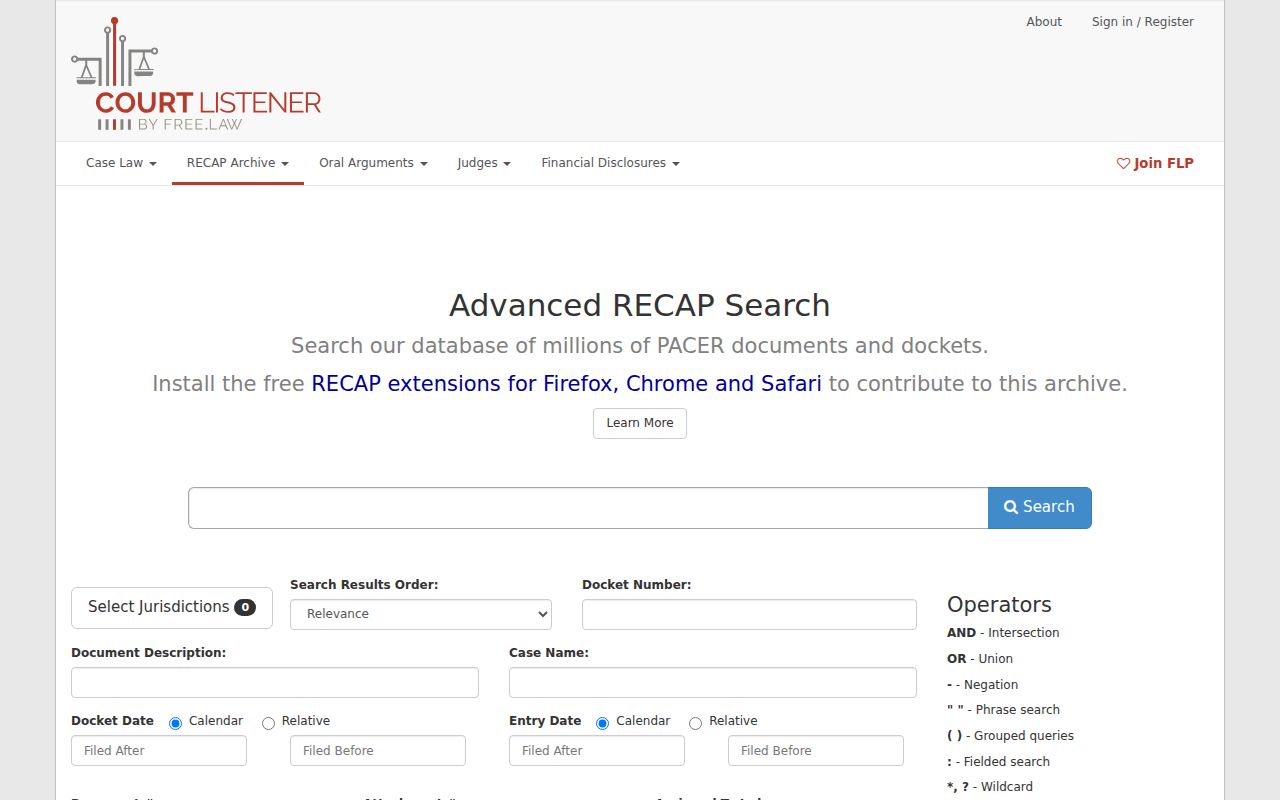
RECAP serves only the federal branch of a Logan County search. State and municipal matters stay in their own court systems.
Logan County Docket Access Ladder
Work from the narrowest official source that answers your question. The free Logan County docket search tells you when and where. An ROA shows what happened, in order. A filed complaint, motion, or signed order supplies the actual document, and certification authenticates it when an official copy is needed.
The same ladder prevents cross-system mix-ups. Sterling ordinance cases go to Sterling Municipal Court. State cases go to Logan County Combined Courts. Federal cases go to PACER. When you need a document rather than a date, the Logan County court case records process walks through the clerk request and copy choices.
Note: A blank appearance field never grants remote attendance. Logan County Webex participation requires advance court approval.